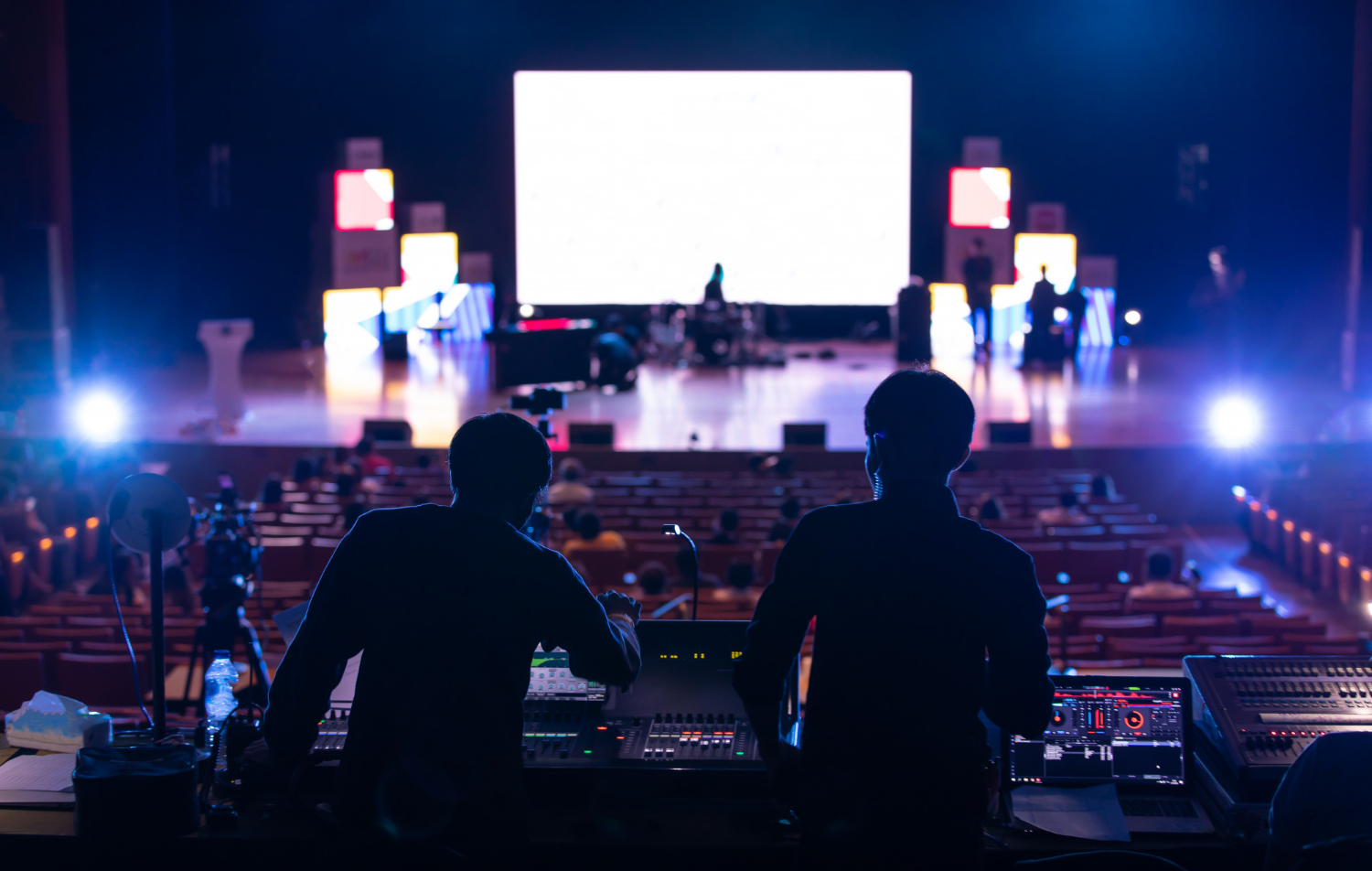
Planning High-Impact Corporate Stage Design in Dallas AV Events
Planning High-Impact Corporate Stage Design in Dallas AV
High-impact stage design is about more than good-looking screens. For Dallas corporate AV events, the stage becomes the main frame for your message, your leaders, and your brand, both in the room and on the stream. When it works, executives feel confident, the story lands clearly, and the audience stays with you from first walk-on to final applause.
Dallas events bring special pressure. Large hotel ballrooms, convention floors, mixed in-person and virtual audiences, and long show days with back-to-back content all raise the stakes. In this guide, we walk through how to plan a corporate stage that supports your presenters, protects your schedule, and gives you a polished, low-friction show without needing to speak in technical terms.
Designing a Stage That Earns Executive Confidence
For a big annual meeting, sales kickoff, or investor day, the stage is the face of the company. When leaders step up, they want to feel like the room is built to help them succeed, not work against them.
Dallas corporate AV environments often include:
Huge ballrooms with wide or deep seating layouts
Long, narrow breakout spaces in suburban hotels
Convention center halls with shared walls and sound bleed
Hybrid setups where cameras and remote viewers matter as much as the front row
That mix can easily overwhelm even seasoned planners if stage design is treated as a last-minute box to check.
Smart stage planning does three things for you:
Calms executive nerves, because the space feels intentional
Makes your key messages easy to see, hear, and remember
Reduces technical stress, since the design fits the venue instead of fighting it
The goal is to help you talk about what you want the stage to accomplish, not just what equipment you think you need.
Setting Clear Goals Before You Talk About Gear
Before anyone pulls out screen sizes or lighting plots, it helps to define what success looks like. Different corporate events have very different goals.
You might want:
Investor confidence and media-ready clips
Sales team energy and motivation
Internal alignment around new strategy
Clear training, demos, or product education
A town hall needs clean sightlines, clear audio for Q&A, and a stage that feels open and transparent. An awards gala leans on impact moments, good camera views for winners, and smooth walk-ons. A training conference needs content-heavy screens, easy note-taking, and pacing that keeps people engaged late in the day.
To get there, bring key stakeholders in early:
Executives or their chiefs of staff
Marketing and brand teams
Communications and HR
Sales or field leaders
A shared creative brief and a draft run-of-show give your Dallas AV partner a clear target. It means the stage is built around your segments from the start, instead of scrambling to fit last-minute format changes.
Building a Stage That Works in Real Dallas Venues
Dallas venues are not one-size-fits-all. Downtown hotels might have huge footprints but limited rigging points. Properties in areas like Las Colinas can offer long, narrow rooms that change how far the back row sits from the stage. Older hotels may have low ceilings and tight dock access. Large convention centers can include union rules or in-house AV requirements that affect what is possible.
Key room factors that shape stage design:
Room shape and seating depth, which affect how wide your stage and screens should be
Ceiling height and rigging capacity, which determine how you can hang lights and screens
Power availability and cable paths, which affect where technical positions can live
Ballroom sharing, which can create sound and schedule conflicts
A professional production partner will usually:
Review CAD diagrams and room specs in detail
Conduct site visits to see load-ins, doors, and real sightlines
Work with venue teams on rigging, power, and noise control
Right-size stage depth, backstage space, and tech tables
That work up front keeps you from discovering on show day that the LED wall is too tall for the ceiling, or the side seats cannot see your content.
Visual Design That Supports Leaders and Content
A strong corporate stage looks excellent, but more important, it works well for the people on it.
Presenter-focused design covers:
Stage height that lets everyone see, without making leaders feel like they are on a pedestal
Choices between lectern, stools, sofas, or clear furniture based on tone and comfort
Confidence monitors for notes, timers, and next slides so presenters are not turning their backs
Safe, obvious paths for entrances and exits, including panel changes and award walk-ups
Screens and content surfaces should match how you plan to present:
Wide LED backdrop for high-impact keynotes, mixed media, and multi-camera shoots
Paired projection screens for wide rooms or when the ceiling limits LED height
Extra side screens or center screens for panel-heavy events where faces and content both matter
Consistent, brand-true visuals usually beat flashy effects. Simple, bold designs that reflect your brand system photograph well and work across recording, streaming, and later content reuse.
Lighting and audio shape how leaders are perceived. You want:
Even, flattering light on faces that looks good to both the eye and the camera
No deep shadows where presenters can get lost on stage
Audio coverage that reaches the back rows without hot spots or dead zones
Systems tuned to avoid feedback and background noise, including chatter from next door
These details are the difference between a show that feels polished and one that feels stressful, even if the agenda is the same.
Managing Risk and Keeping the Show on Track
Live corporate events carry real risk, especially with tight Dallas hotel schedules and busy travel days. Common trouble spots include:
Short load-in and load-out windows between other groups
Flight delays for key presenters
Last-minute content changes from leadership
Local weather that disrupts travel or power
Streaming platforms or network issues
Good planning reduces the impact of these surprises:
Detailed production schedules that build in buffer time
Redundant systems for mission-critical items like mics, playback, and recording
Backup content plans for missing speakers or broken files
Flexible stage layouts that can shift from solo keynote to panel or fireside chat quickly
A seasoned production team will handle show calling, cueing, and live problem-solving so your executives do not see the stress behind the curtain. That protection of confidence and schedule is one of the biggest values of professional support.
Backstage, Show Flow, and Communication
What happens offstage matters just as much as what the audience sees. Well-organized backstage areas keep presenters calm and on time.
Key backstage elements:
Green rooms and quiet prep areas
Clear rehearsal schedules that match busy executive calendars
Makeup, wardrobe, and mic fitting windows that feel orderly rather than rushed
Marked traffic flow so nobody gets lost before a key moment
Show flow design also plays a major role. You want:
Logical segment grouping so the story makes sense from start to finish
Planned transitions between videos, walk-ons, awards, and panels
Walk-in and walk-out looks that keep the stage active, even between segments
Communication tools keep all of this aligned:
Comms headsets for stage management and technical leads
Cue lights or simple handoff signals for presenters
Run-of-show documents that match what is in the control booth
When those pieces are tight, planners can stay focused on executives and stakeholders instead of chasing microphones and missing slides.
Turning One Dallas Event Into Long-Term Brand Value
Great stage design should outlive the event itself. Many corporate teams now plan AV with content reuse in mind.
That means thinking about:
Camera positions that capture clean angles for social clips and highlight reels
Scenic elements that frame logos and key messages for photos
Lighting that keeps video usable for internal training or external investors
Consistency also helps build a larger story over time. If your annual meetings, roadshows, and regional events all share a similar stage "language," your brand looks more steady and professional to teams, customers, and partners. You save planning time while raising expectations year after year.
For Dallas corporate AV, the right production partner will keep all of this in view while you stay focused on leadership, content, and results. If you are planning an upcoming program and want to pressure-test your stage approach or talk through specific Dallas venue challenges, the AMS Events team is happy to help you think it through and explore what will work best for your event.
Get Started With Your Project Today
Partner with AMS Events to design a custom Dallas corporate AV solution that fits your goals, budget, and timeline. We collaborate with your team to translate your vision into a technically sound, engaging experience for every attendee. If you are ready to discuss your next event, reach out through our contact us page so we can start planning the details together.
